🔬 How to Check if an Android Phone Has Hardware Damage
Hidden technician test menus: *#0*# on Samsung, CIT hardware test on Xiaomi, sensor verification, and water indicator sticker inspections.

🔬 Testing Android Hardware Using Secret Technician Menus
Before buying a second-hand Android or after a heavy drop, you can test every internal sensor, speaker, and touch quadrant using built-in diagnostic menus.
🛠️ Dial Secret Codes
-
Samsung Galaxy: Open Phone dialer and type
#0#to access the comprehensive hardware test matrix. -
Xiaomi / Redmi / POCO: Go to Settings > About Phone > All Specs, then tap Kernel Version 5 times to launch the CIT Hardware Diagnostic Suite.
Component-Level Repairs & Diagnostics
Experiencing battery degradation, thermal overheating, display issues, or logic board failure? Visit our Marrakesh workshop at Complexe Artisanal or contact our engineers on WhatsApp for a fast, free diagnostic consultation.
DIGITAL REVIVE Engineering Team
Author & Lab TechniciansSpecialized in micro-soldering, SMD board repairs, liquid damage decontamination, and precision smartphone diagnostics at Complexe Artisanal, Marrakesh. Over 5,000+ devices restored.
Related Guides & Tips

🔬 Signs of Corrosion Inside a Smartphone: What Technicians Look For
Green copper carbonate patina, white crust under EMI shields, tripped Liquid Contact Indicators (LCI), and burnt solder balls.
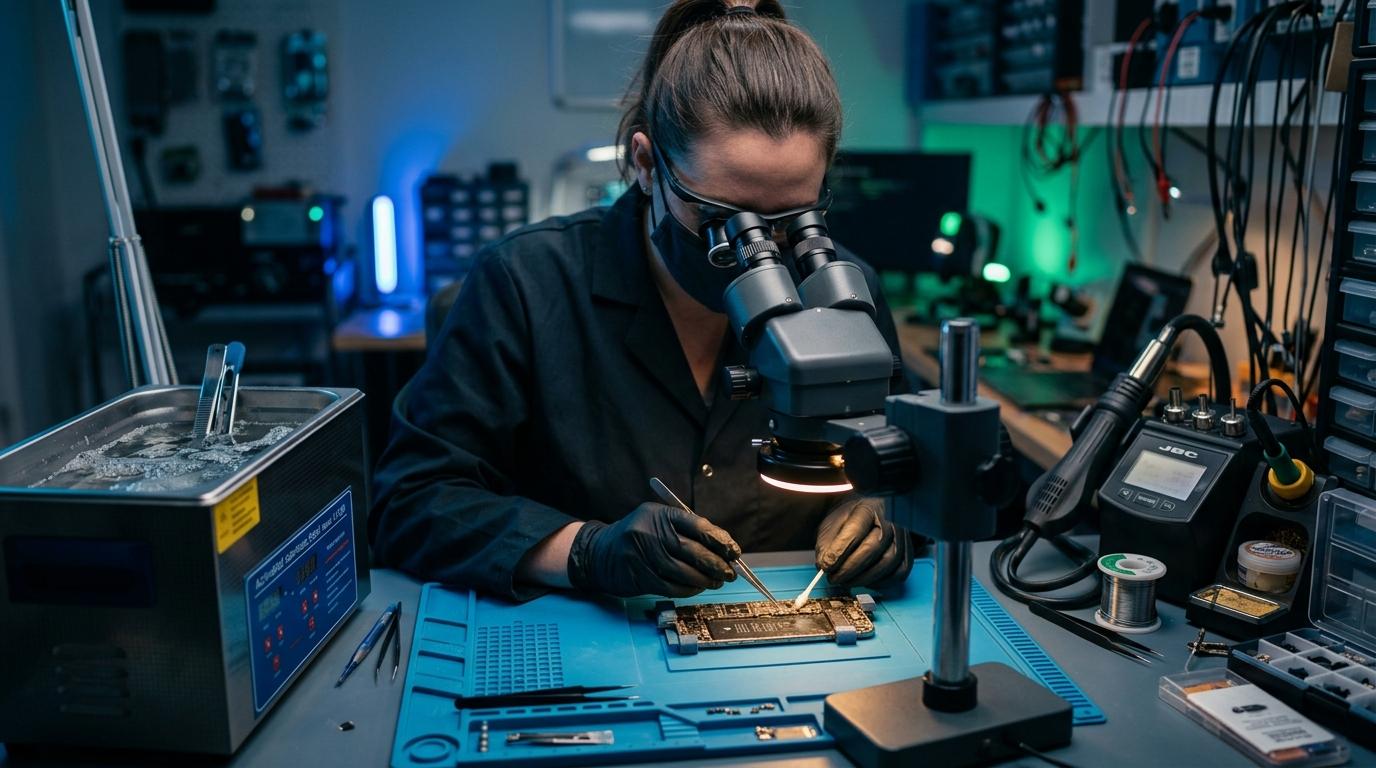
💧 Phone Works After Water Damage but Later Dies: Why?
The delayed water damage death syndrome. Discover how mineral salts slowly oxidize solder joints under BGA chips weeks after an accidental splash.

🛠️ Can a Water-Damaged Phone Be Repaired? Success Rates & Methods
Data recovery vs permanent daily phone use. What factors determine whether your water-damaged iPhone or Android can be resurrected.